
# DORA
Please note
DORA is a separate module and not a part of ELO Contract (Classic).
# Quick start
To enable the DORA tab, the option Yes must be selected for ICT third-party provider on the Data tab.
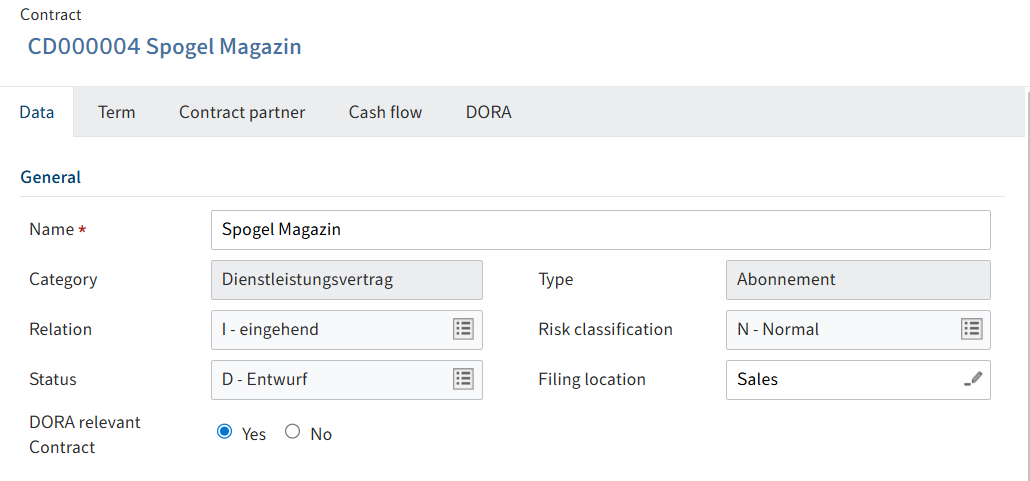
It is then recommended to create the objects and registers of information in the following order due to dependencies:
| Step | Action | Requirement |
|---|---|---|
| 1 | New ICT third-party provider | None |
| 2 | New financial entity | None |
| 3 | New branch | None |
| 4 | New function | None |
| 5 | New contractual arrangement | A contract must be selected in the repository. |
| 6 | New entity making use of the ICT services | A contract must be selected. |
| 7 | New register of information for contractual arrangements | An entity making use of the ICT services must be selected. |
| 8 | New financial entity register of information | An entity making use of the ICT services must be selected. |
| 9 | New ICT third-party provider register of information | An ICT third-party provider must be selected. |
| 10 | Recalculate critical ICT providers | An ICT third-party provider must be selected. |
| 11 | Create DORA report | None |
# Objects available globally
| Template code | Template name | ELO object |
|---|---|---|
| B_01.01 | Entity maintaining the register of information | Financial entity |
| B_01.02 | List of entities within the scope of consolidation | Financial entity register of information (financial entity maintaining the register of information) |
| B_01.03 | List of branches | Branch |
| B_02.01 | Contractual arrangements – general information | Contractual arrangement |
| B_02.02 | Contractual arrangements – specific information | |
| B_02.03 | List of intra-group contractual arrangements | |
| B_03.01 | Entities signing the contractual arrangements for receiving ICT service(s) or on behalf of the entities making use of the ICT service(s) | Financial entity register of information (entity signing the contractual arrangements) |
| B_03.02 | ICT third-party service providers signing the contractual arrangements for providing ICT service(s) | |
| B_03.03 | Financial entities signing the contractual arrangements for providing ICT service(s) to other financial entities in the consolidation | Financial entity register of information (entity signing the contractual arrangements in the consolidation) |
| B_04.01 | Entities making use of the ICT services | Entity making use of the ICT services |
| B_05.01 | ICT third-party provider | ICT third-party provider |
| B_05.02 | ICT service supply chain | |
| B_06.01 | Functions identification | Function |
| B_07.01 | Assessment of the ICT services | |
| B_99.01 | Definitions from entities making use of the ICT services |
# Create objects
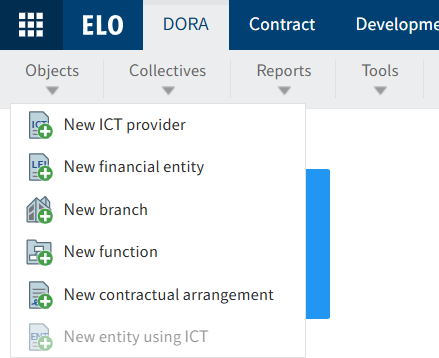
The DORA tab contains the Objects function group with the buttons for creating the DORA objects. ICT third-party provider, financial entity, branch, and function are independent objects. This means that they can be created without an associated contract object. The DORA objects are used in one or more registers of information as references.
| Function name | DORA form section | Requirement |
|---|---|---|
| New ICT third-party provider | ICT third-party provider (B_05.01) | None |
| New financial entity | Financial entity maintaining the register of information (B_01.01) | None |
| New branch | List of branches (B_01.03) | None |
| New function | Functions identification (B_06.01) | None |
| New contractual arrangement | Contractual arrangement (B_02.02) | A contract must be selected in the repository. |
| New entity making use of the ICT services | Entities signing the contractual arrangements for receiving ICT service(s) on behalf of the financial entities making use of the ICT service(s) (B_03.01) | A contract must be selected in the repository. |
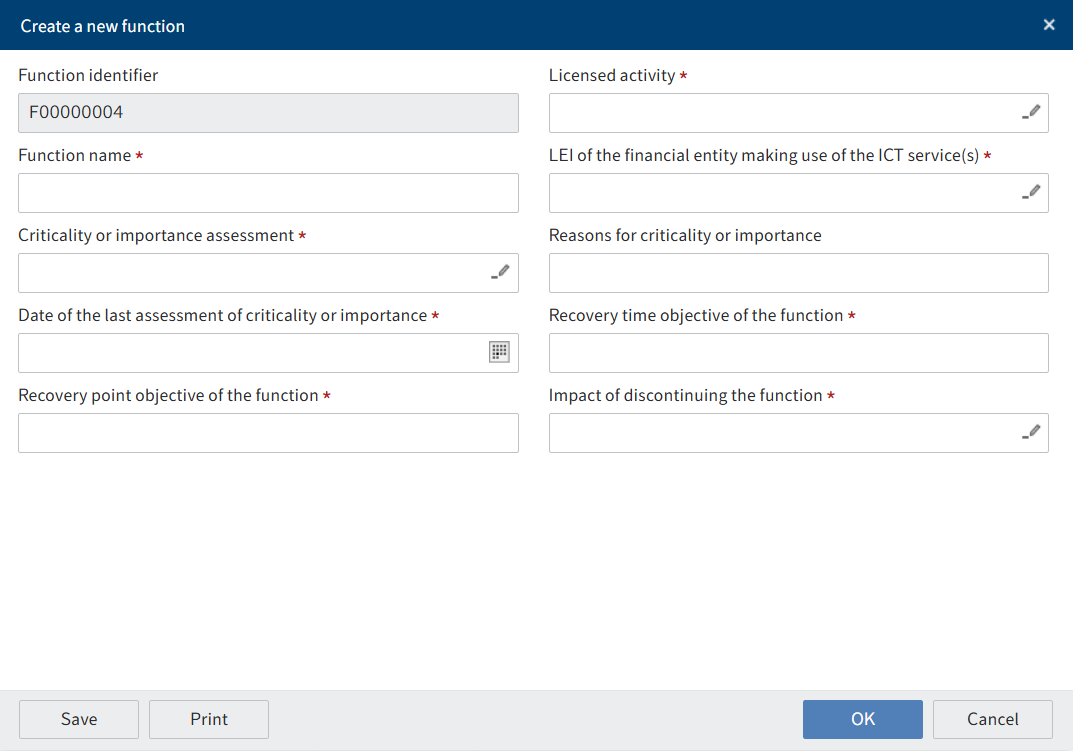
Clicking a button opens a dialog box. All the data required to create an object can be entered there.
The objects are stored after saving in the DORA folder of the respective object.
# Leading financial entity
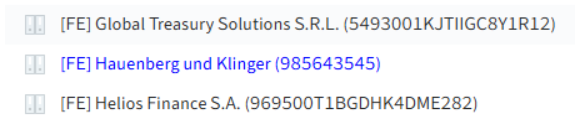
When creating a financial entity, you must use the check box on the object to specify whether the financial entity is the leading financial entity. This means that the financial entity is added to template B_01.01 and B_01.02. All other financial entities are only added to the template B_02.02. The financial entity that keeps the register of information is also used in the report for creation, and its LEI is added to the name of the repository.
If the option Acts on behalf is enabled, this means that the financial entity acts on behalf of all other entities and is now only included in the template B_01.01, and no longer in B_01.02.
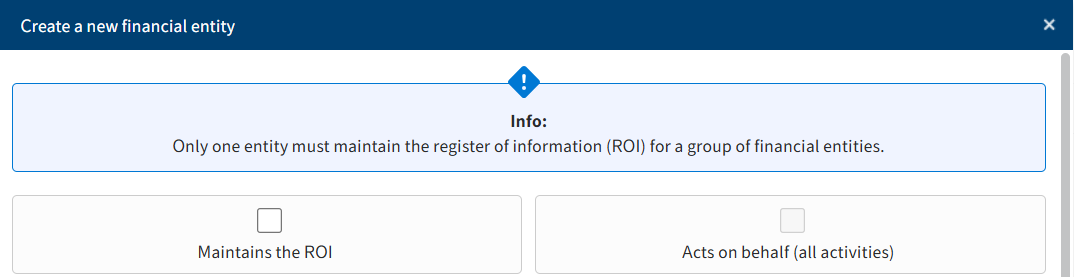
The entry for the leading financial entity is then highlighted in blue in ELO.
# Create register of information
A register of information is a compilation of multiple form modules and additional data that have to be added when creating a register.
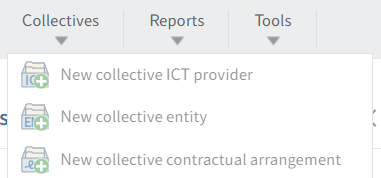
The DORA tab contains the Register of information function group with the buttons for creating the DORA register of information:
| Register of information | Form modules contained | Requirement |
|---|---|---|
| Register of information for contractual arrangement |
| A branch that uses an ICT third-party provider must be selected in the repository. |
| Financial entity register of information |
| A branch that uses an ICT third-party provider must be selected in the repository. |
| ICT third-party provider register of information |
| An ICT third-party provider must be selected in the repository. |
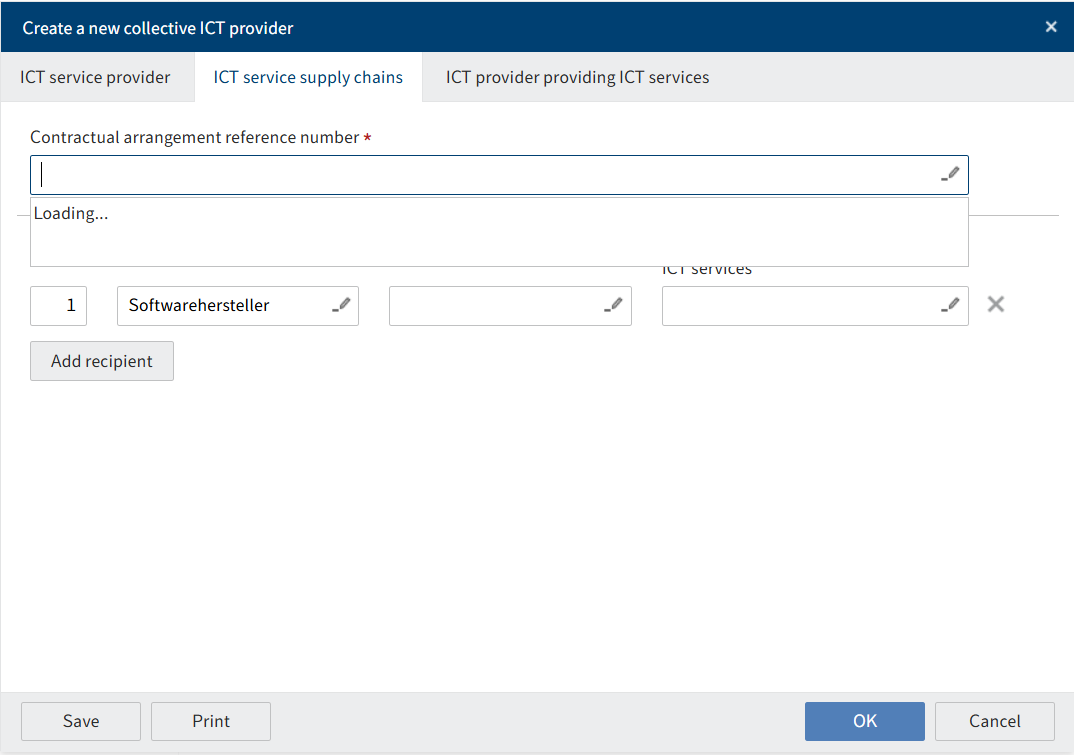
Clicking a button opens a dialog box. There, you can link form modules and add missing data for the register of information.
After clicking OK, the register of information is filed to the DORA child folder for the contract object. Cross-contract objects, such as financial entities, functions, branches, and ICT third-party providers, are stored separate of a contract in a separate DORA folder. The contract object itself has references to the cross-contract objects from this folder.
For technical reasons, the visualization of the date fields deviates from the DORA specifications when creating a financial entity register of information. They are shown in the form for the financial entity and not the register of information.
# 'DORA' tab
To enable the DORA tab, the option Yes must be selected for ICT third-party provider on the Data tab.
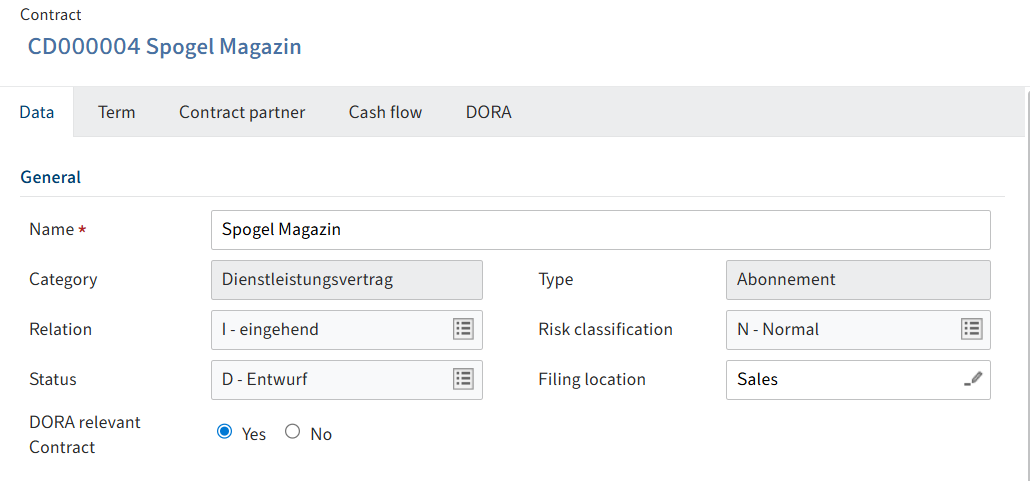
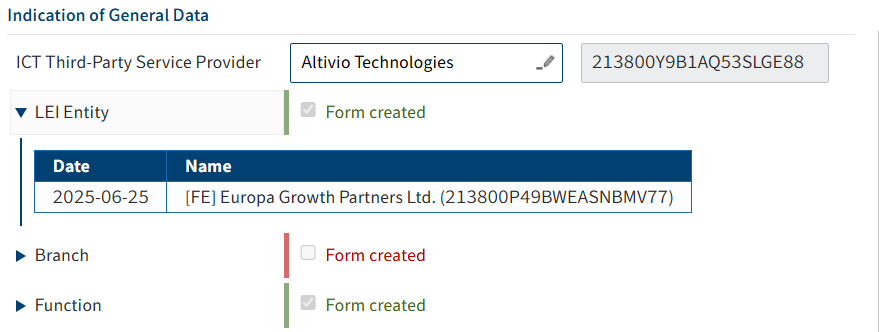
On this tab, you will find an overview of all DORA form modules and their status. The status indicates whether the form was created. If a form module has been created, the check box is enabled and the text is shown in green. This is done automatically by the system during form module creation.
A status can also be assigned for the entire DORA report:

- Not created
- Processing
- Concluded
- Transfer
This status is set manually.
Under General data, you can specify an ICT third-party provider for the contract. Clicking the arrow opens an overview of the objects created in this area.
# DORA report
You can create a DORA report using the Reports action. This action can be used to generate the CSV files that have to be submitted to BaFin as a DORA report.

After clicking the action, the report is created and filed to ELO automatically in the background.
# ICT third-party provider with critical functions

You can use this action to show ICT third-party providers with critical functions in ELO. They are marked in red in ELO.
Executing this action requires you to select an ICT third-party provider.