# Document counter
We now want to implement a counter (technical identification for a document) for the documents filed to the repository. The counter guarantees that the documents of a specific type (e.g. defined by the ELO Business Solution SOL_TYPE or the metadata form) are assigned a unique serial identifier. One example is a contract or invoice number.
# Requirements (general)
- Select a counter (a counter can already exist)
- Define/input a new counter (prefix, postfix, number of digits)
- Create a new counter
- Return the current count in other components
- Provide a trigger (REST)
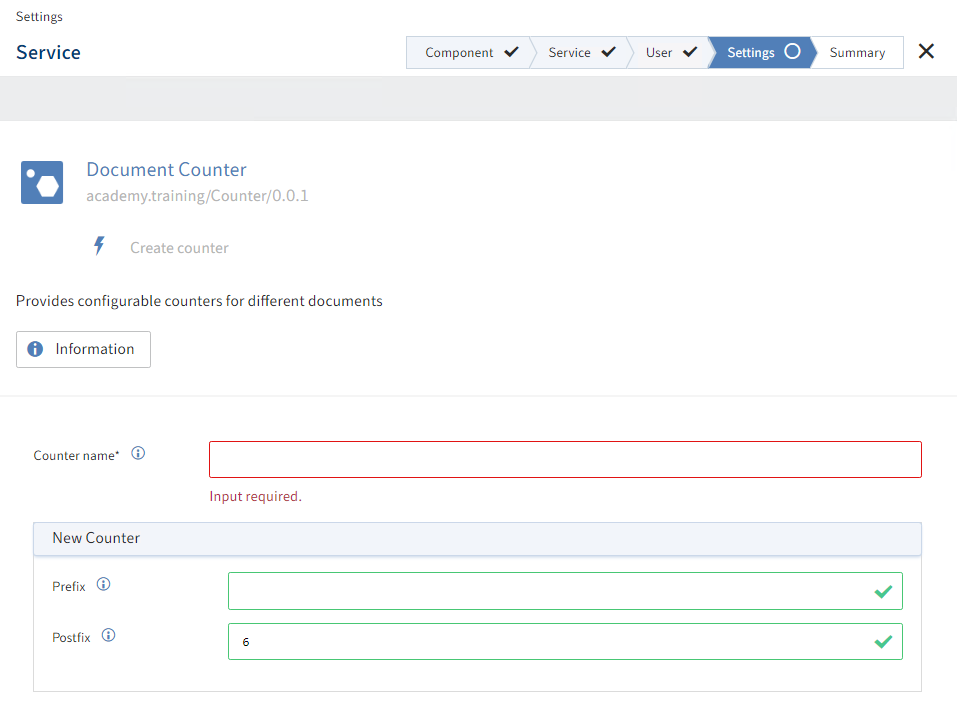
A possible arrangement of the graphical components on the Settings tab.
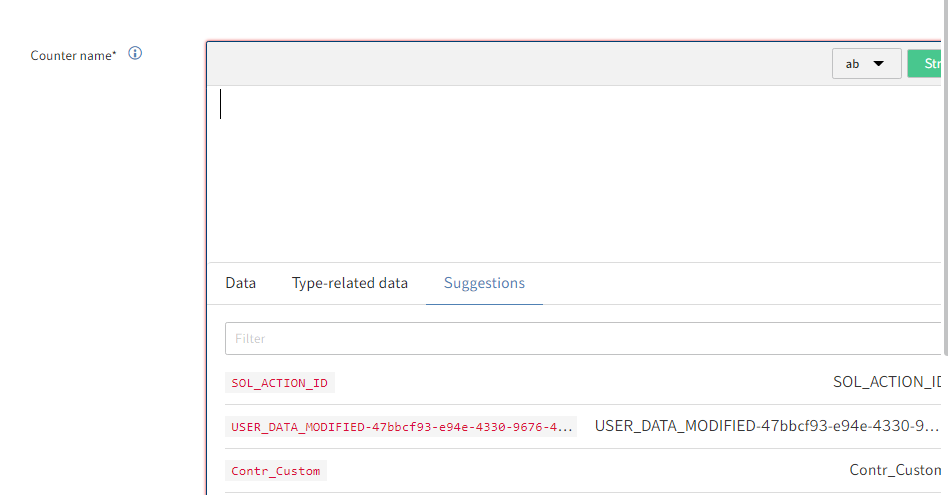
Selection list in the suggestions.
# Implementing requirements
We will outline the development processes as well as solution implementation here. We will go through the steps using the Flows framework available to us in Visual Studio Code.
# Start framework
First, we start VS Code.
Open the prepared project folder (in the file system).
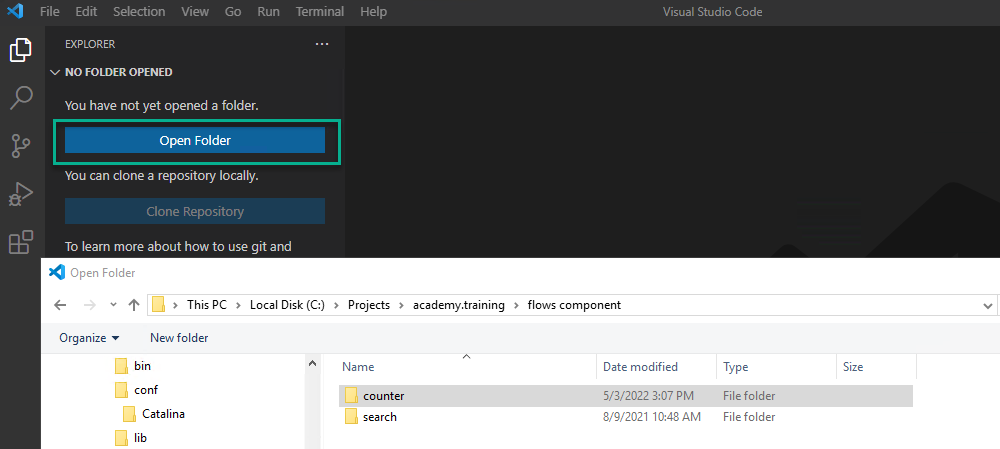
We will also create the initial project structure as seen in the following images.

Select the VS Code Command Palette. Use the keyboard shortcut CTRL + SHIFT + P.
Alternative1: Press F1.
Alternative2: View > Command Palette….
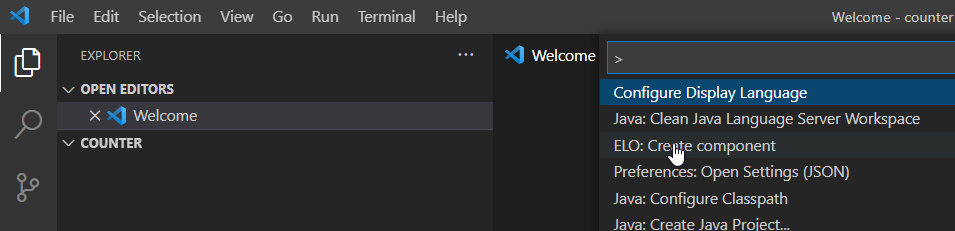
Select ELO: Create Component.

Select ELO Flows Java.

Enter the package name and confirm with ENTER.

Enter the component name and confirm with ENTER.

Enter the version number and confirm with ENTER.

Once the framework has been started and the initial project is created, you will see a confirmation message the bottom right of VSC.
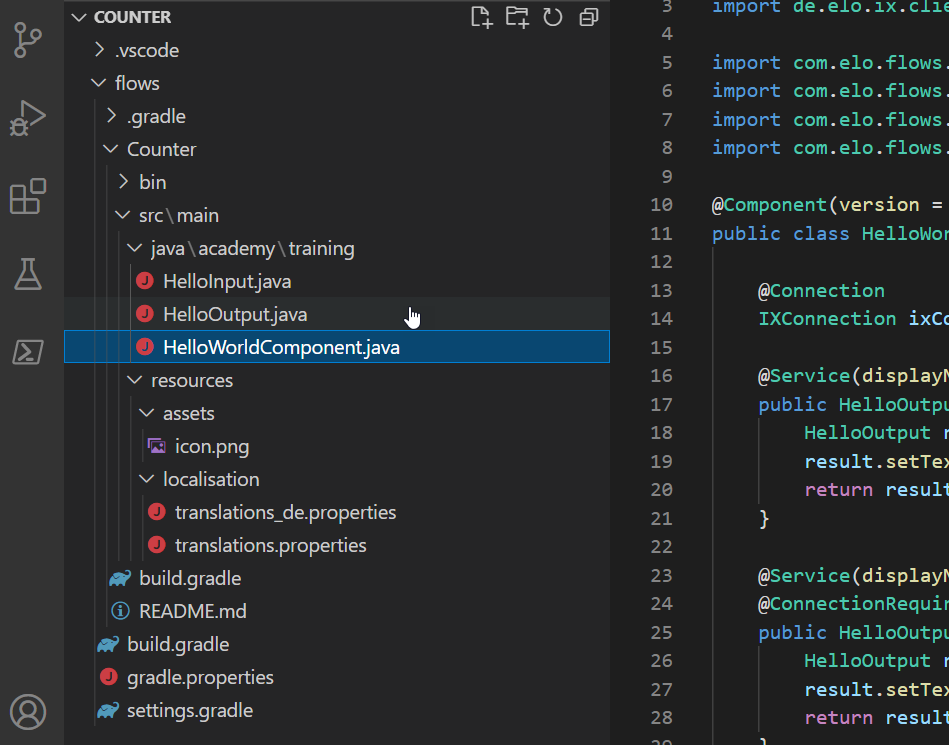
In the created project structure, select any Java class.
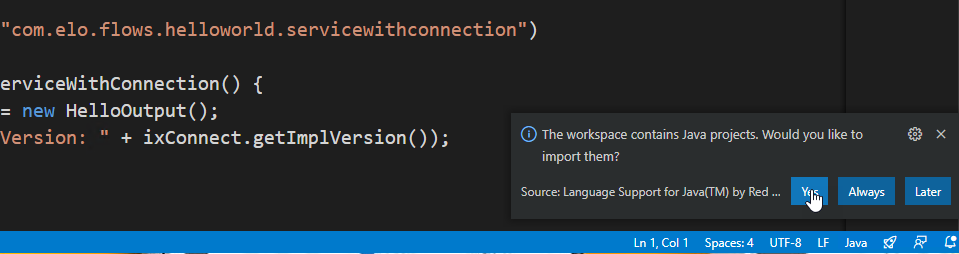
Confirm as shown below.
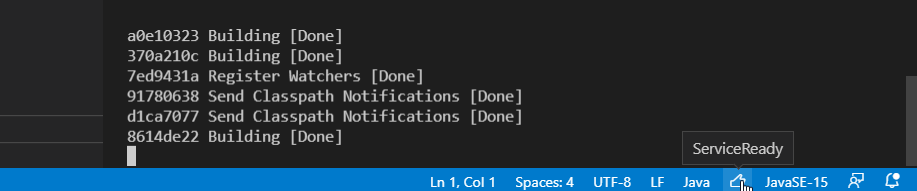
Wait a moment until the Java project has been initialized successfully.
Information
The first time you initialize a project may take a few seconds.
# Customizing the project structure
ELO has implemented an example component in a newly created ELO Flows component. You can tailor it to new requirements or delete it and create an entirely new one. In the following example, we take a middle course.
Delete the contents of the files in the localization folder:
Important
Do not delete any files. Only delete the contents of the files.
translations_de.properties and translations.properties.
Delete the Java classes in the folder java\academy\training:
HelloInput.javaandHelloOutput.java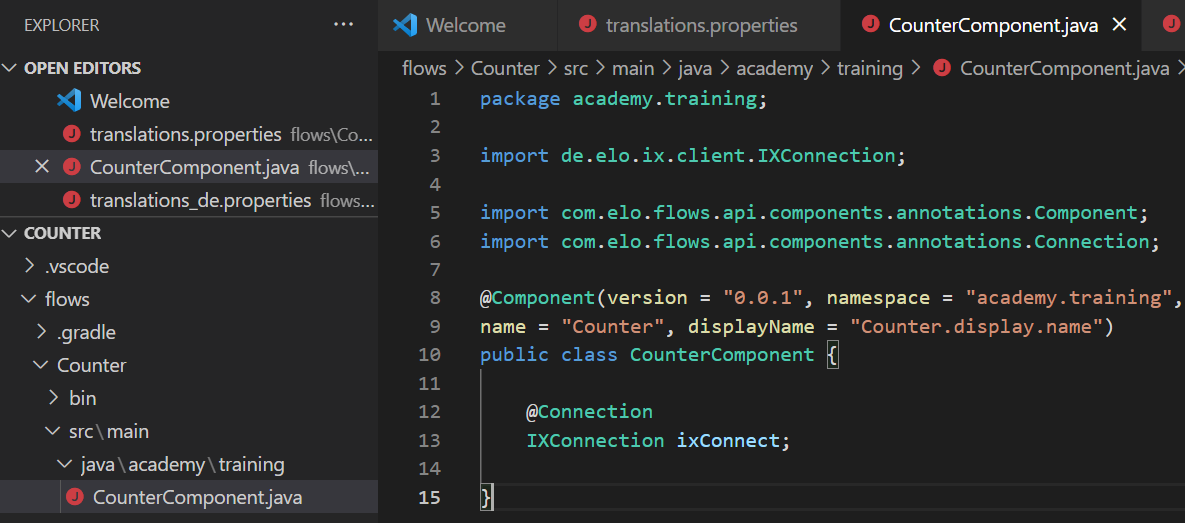
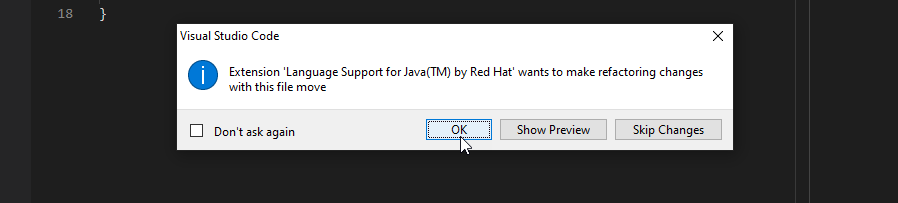
Modify the Java class
HelloWorldComponent.java:To do so, use the refactoring options provided by VS Code
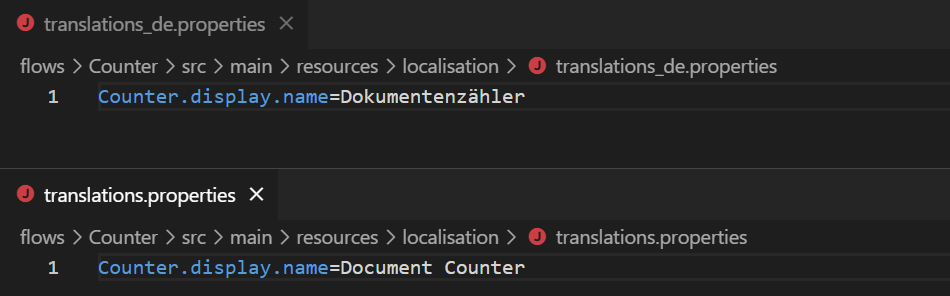
Enter the following in the localization files in the localization folder:
translations\_de.propertiesandtranslations.propertiesKey:
Counter.display.nameValues:
DokumentenzählerandDocument Counter.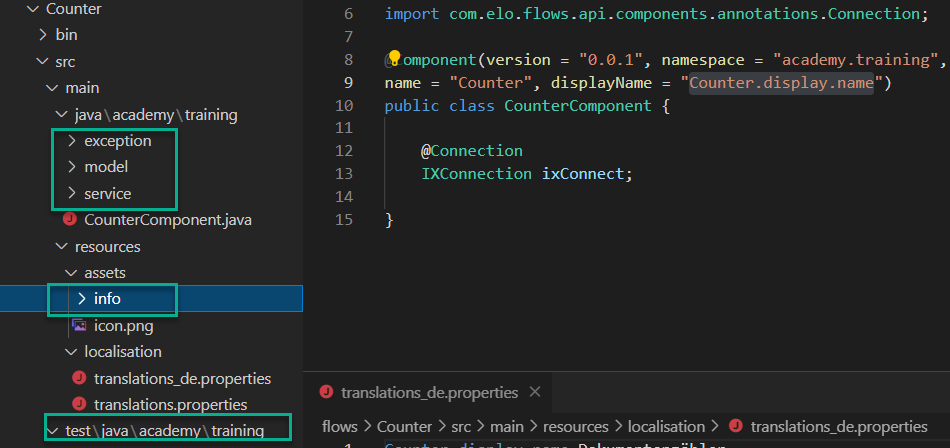
Add additional levels to the project structure.
You will find an example implementation of this requirement in the Appendix.